Table of Contents
1. How to build from the terminal using Makefiles:
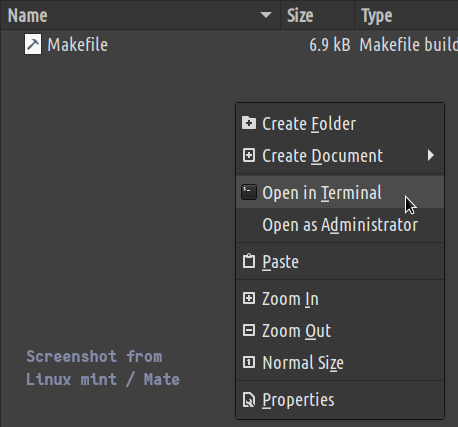
Navigate to the Project_Makefile folder on your computer and open this path in the Terminal, Command Prompt, or PowerShell.
Type in the make command to build the program. It will start showing the build output:
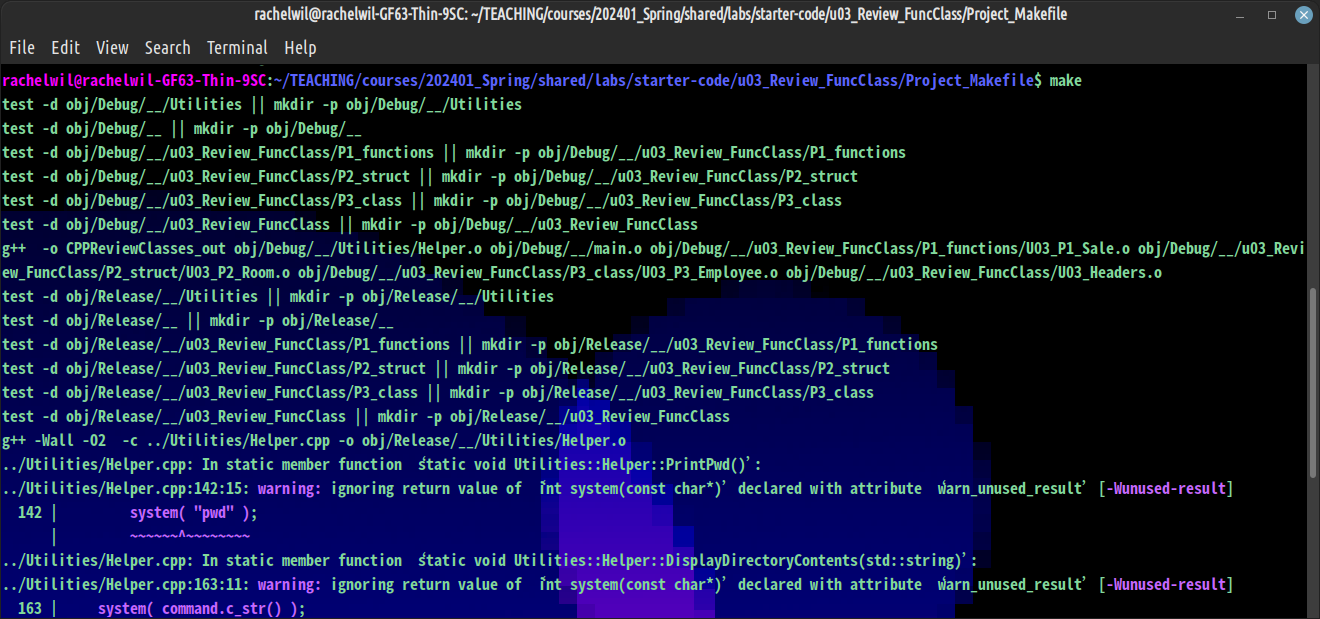
Once the build process is over, use ls to look at the files in the directory:
CPPReviewClasses_out Makefile obj
The file labeled "_out" is our executable file. To run the program, use the ./ command followed by
the name of the program:
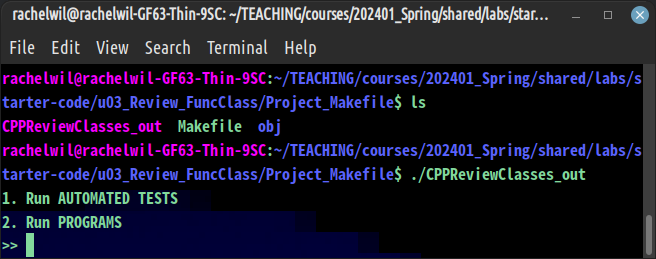
Any time you make changes to a code file in the project, you will need to run make again to rebuild the code.