Table of Contents
1. Lesson 11: Non-player character movement
1.1. Continuing on from Lesson 10
We are going to build on top of the Lesson 10 code, but you still might want to save it as a new program:
> save NEWNAME.lua
cart NEWNAME.lua saved!
1.2. New sprite - Shark!

I've added a shark sprite to be my NPC (non-player character).
1.3. Editing the code
In the SETUP portion we need to add (x,y) coordinates for our shark.
-- Setup
px = 120; py = 70             -- Player coordinates
bx = 80;  by = 136            -- Bubble coordinates
sx = 20;  sy = 20             -- Shark coordinates
Let's also make sure to draw the shark to the screen:
-- Draw
cls(11)
spr(0,px,py)          -- Player
spr(1,bx,by)          -- Bubble
spr(2,sx,sy)          -- Shark
We have code for PLAYER movement and BUBBLE movement but not for SHARK movement. We're going to write it so that it follows the bubble. How can it tell? We compare x and y coordinates between the two objects…
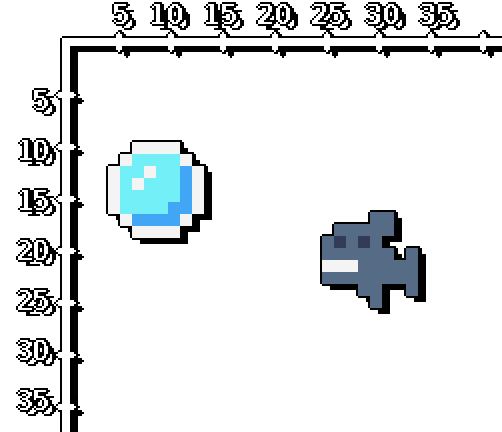
| Comparison | Meaning | |
|---|---|---|
| BubbleX < SharkX | Bubble to LEFT | |
| BubbleX > SharkX | Bubble to RIGHT | |
| BubbleY < SharkY | Bubble ABOVE | |
| BubbleY > SharkY | Bubble BELOW |
So we add this logic into the TIC() function (it can go after the Player and Bubble movement parts)…
-- Shark movement; track bubble
if     bx < sx then    -- Bubble is LEFT of shark
 sx=sx-0.5              -- Move shark left
elseif bx > sx then    -- Bubble is RIGHT of shark
 sx=sx+0.5              -- Move shark right
end

if     by < sy then    -- Bubble is ABOVE shark
 sy=sy-0.5              -- Move shark up
elseif by > sy then    -- Bubble is BELOW shark
 sy=sy+0.5              -- Move shark down
end
1.4. Testing
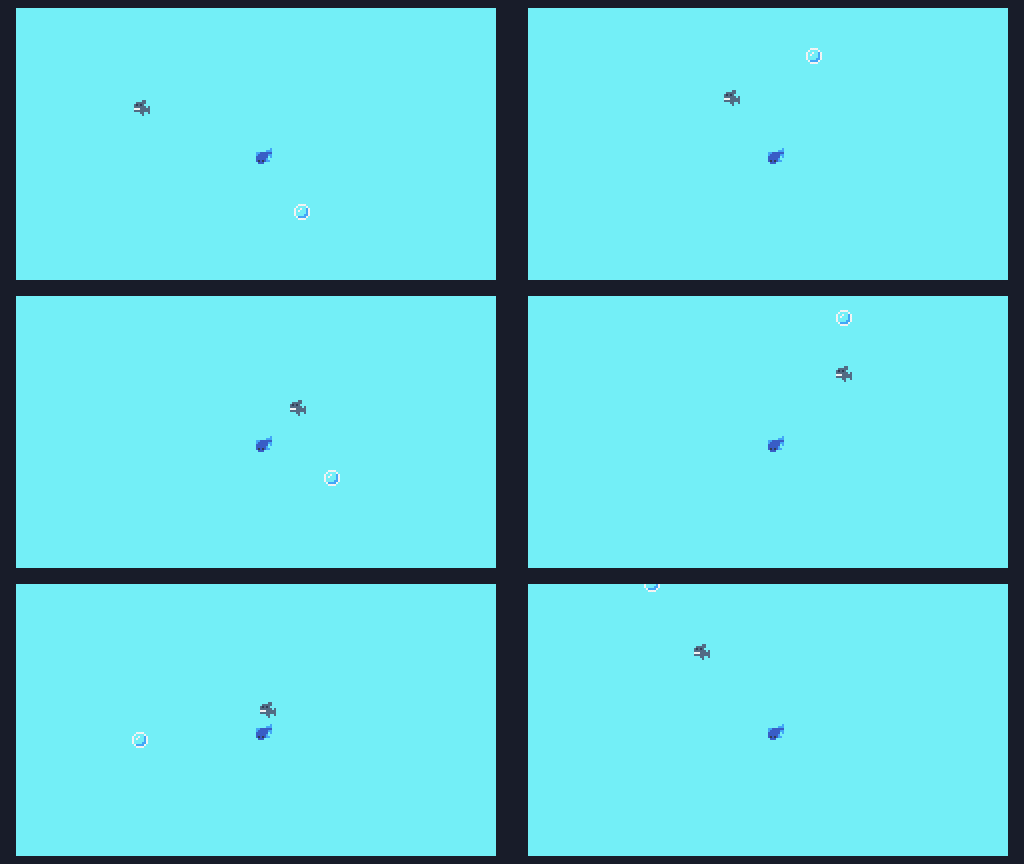
Now the shark moves around on its own chasing the bubble. Perhaps we could make a game where both objects are chasing the bubble…? Hmmm…….
1.5. Save your work
Make sure to press the CTRL+S key, or press ESC to go to the
prompt and type save to save your work! If you want to access the
folder with your code, type folder.
If you have a USB flash drive, make sure to copy your file over so you don't lose it when the computer resets!